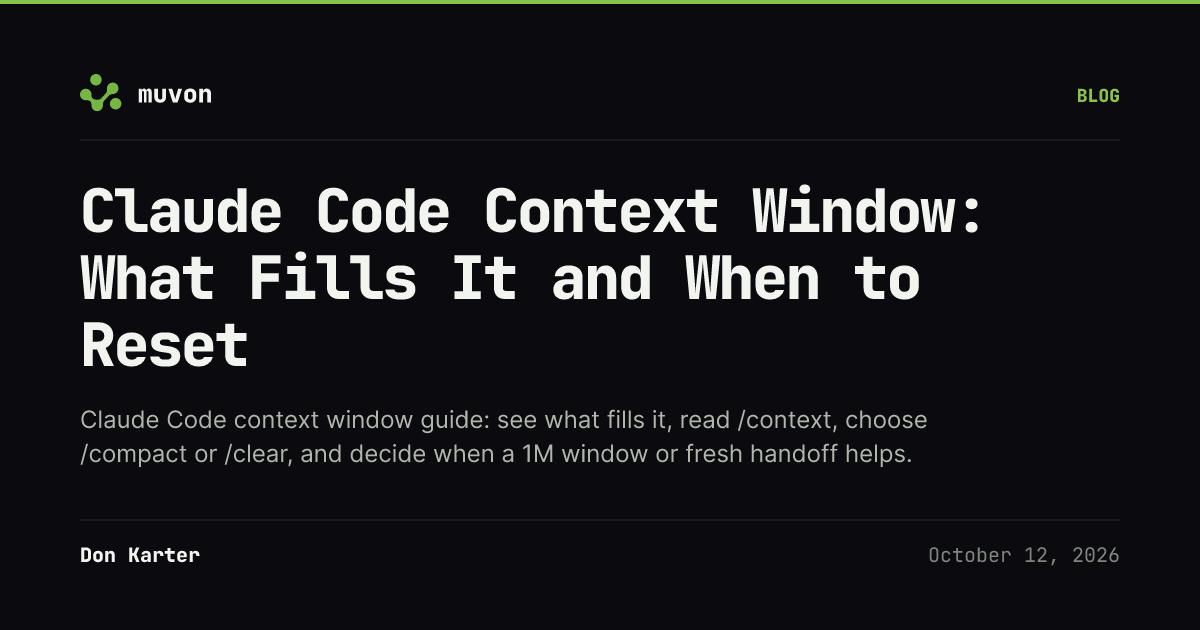
The Claude Code context window can feel like a project notebook. It's also the working set Claude carries into the next answer.
Short answer: Run /context to see what is using the current window. Use /compact when you need to keep working on the same task but can trade detail for a summary; use /clear for an unrelated task; delegate bulky research when you only need its findings. On the Anthropic API, current Fable, Sonnet and Opus models already run with a 1M window, and a larger window does not make every old detail equally useful. Pricing and model access checked October 2026.
What is the Claude Code context window, and what fills it?
The Claude Code context window is the information available to the model for its next response. It includes more than the text you typed: startup instructions and memory, available tool descriptions, the files Claude reads, tool output, and the conversation. Anthropic’s context-window guide walks through those sources.
At startup, check the project and user instruction files first. Then watch what the task causes Claude to read. A broad request such as “understand this repository” invites many files and large outputs; a request naming the function, expected change, and verification target gives Claude a smaller search area. The Claude Code best-practices guide recommends specific prompts and clearing context between unrelated tasks.
A context window is a capacity, not a score. Filling more of it doesn't mean Claude has learned the project more reliably. Some information is essential; some is a stale detour, repeated output, or a file that the next task will never use.
How do I show context usage and read /context?
To show context usage in Claude Code, type /context for the current usage grid and optimization suggestions. Use /context all to expand the per-item breakdown. Anthropic says the live view can include which CLAUDE.md and auto-memory files loaded; it's the place to inspect your session, not a number to copy from someone else's screenshot. See the command reference.
/context also runs headless: claude -p "/context" prints the same report as Markdown, so you can save it and compare setups. In a clean test on October 4, 2026 (Claude Code 2.1.289, Opus 5.5, an empty project with no CLAUDE.md, five MCP servers connected), a fresh session started at 12.5k of 1M tokens:
| Row | Tokens | Counted in the 12.5k total? |
|---|---|---|
| System prompt | 2k | Yes |
| System tools | 8.1k | Yes |
| Skills | 2k | Yes |
| MCP server instructions | 357 | Yes |
| MCP tools (deferred) | 20.8k | No |
| System tools (deferred) | 12.9k | No |
| Compact buffer | 3k | No |
The loaded rows add up to the total. Deferred tool definitions and the compact buffer are listed but sit outside it, so a long list of MCP tools does not by itself mean a full window. Your project's instruction files and the conversation come on top of this baseline.
Read the output as a diagnosis: identify what the biggest categories represent, then remove only content that's irrelevant to the task. If instructions dominate, trim or scope instructions. If tool output dominates, narrow the next read or command. If the history is mostly an old task, choose a reset.
Don't infer the remaining usable window from a percentage alone when you've changed models, use a gateway, or are comparing a 200K model with a 1M model. Confirm the active model in /status and check the applicable window in the current model configuration docs.
What does Claude Code auto-compact do, and when does it fire?
Auto-compact summarizes conversation history as the session approaches its configured context limit, then continues with the summary in the current conversation. It's the automatic version of the trade you make with /compact: keep enough state to proceed while compressing detail. Anthropic documents what is re-injected or summarized, including project instructions, memory, selected recently read files, and conversation history.
Current Claude Code docs say native 1M-window models compact at about 967K tokens by default. That leaves roughly 33K tokens between the default trigger and a 1,000,000-token window: 1,000,000 − 967,000 ≈ 33,000. This is arithmetic from the documented approximate threshold, not a promised free reserve or a real session readout. Some models compact at 200K; gateways and plan settings can change the effective boundary. Check the model-specific thresholds before changing a setting.
If you want an earlier trigger for the current model, the documented command is /autocompact 500k; /autocompact auto restores the model-tuned value. Those values are examples, not a recommendation to pick 500K for every model. Anthropic documents accepted values from 100K through 1M and notes that environment or managed settings can override your choice. See auto-compact configuration.
Should I compact, clear, delegate, use 1M context, or start fresh?
Choose by what must remain available for the next step. “Cost” in the table means context and continuity cost, not a quoted dollar price.
| Choice | Use it when | What it keeps | What it loses or costs |
|---|---|---|---|
/compact with instructions |
The current task continues and its decisions still matter. Example: /compact Focus on the failing test, files changed, and next verification. |
A summarized version of the current conversation; your instructions can steer the summary. | Exact details may be compressed. Read the summary before relying on signatures, error text, or subtle decisions. |
/clear |
You are switching to unrelated work or the session is full of abandoned approaches. | Nothing from the active conversation; the old session remains resumable. | Continuity. Give the new task the files and facts it needs again. |
| Subagent | You need research, log review, or another bounded result, not a large transcript in the main session. | The subagent's concise result returns to the main conversation. | Its exploration stays in another context, and its own requests still consume usage. |
| 1M context model | Your model has the 1M window and one task genuinely needs a broad working set. | More simultaneous input before compaction. | More capacity, not guaranteed retrieval or focus; access and billing depend on the model, plan, and provider. |
| Fresh session + handoff | A task is done, the conversation is noisy, or the next phase needs a clean brief. | Only the state you write down and reintroduce. | Any unsaved reasoning or detail. Write current state, decisions, changed files, checks, and the next action first. |
For Claude Code compaction, put the important state in the instruction: what's done, what remains, relevant paths, constraints, and the next check. If exact information must survive, put it in a project file and ask Claude to reference that file. To clear context in Claude Code for unrelated work, use /clear: it starts an empty conversation and isn't a shorter form of /compact. The Claude Academy lesson gives the same core rule: compact a continuing feature, clear for a new one.
Use a subagent for a bounded investigation whose raw output you don't need in the main context. Anthropic’s subagent guide says the main conversation receives a summary while the subagent uses a separate context. This saves main-session space; it doesn't make the investigation free.
Does Claude Code have a 1M context window?
Yes, Claude Code 1M context is available on most current models. As checked October 2026, the Claude Code model configuration page lists access by model and plan; the Platform context-window reference lists model sizes.
On the Anthropic API, the 1M window comes standard on every plan, Pro included, for the Fable models, for Sonnet 5 onward and for Opus 4.7 onward. There's no [1m] variant to pick for those. For the older Opus 4.6 and Sonnet 4.6, you need the [1m] variant to get the larger window, and whether you can select it depends on your plan. The current docs state that eligible 1M usage uses standard model pricing with no surcharge for tokens beyond 200K, though Fable usage itself can draw on usage credits on some plans. Pricing checked October 2026.
Use 1M when the task benefits from keeping a large, coherent set of reference material available at once. Don't switch simply because context is high. For a focused edit or a new feature, a smaller, cleaner working set can be easier to reason over.
How can I reduce Claude Code token usage before resetting?
Start with the high-impact sources that load repeatedly. Anthropic recommends keeping each CLAUDE.md under 200 lines; move instructions that apply only to certain files into path-scoped rules, and move infrequent procedures into skills rather than loading them every session. Imports organize a long file but don't reduce its context cost. Details are in Claude's project-memory guide.
Then control what enters during work:
- Give a specific task, target path or symbol, and expected result. Ask for relevant lines or signatures before requesting a whole file.
- For logs or test output, filter to errors and nearby lines before returning it to Claude. Anthropic's cost guide suggests a hook that greps a long log for
ERRORso Claude reads a few hundred tokens of matches instead of tens of thousands. - Use
/contextto find loaded files or memory that don't belong in this task. Keep MCP/tool-definition setup to a quick check: Claude Code currently defers MCP tool definitions by default, and/mcplets you disable unused servers. - Give verbose investigation to a subagent when only its conclusion needs to return.
At Muvon, we build Octocode and Octofs. Claude Code's built-in search and file tools are enough for many tasks. When code navigation needs another view, Octocode's search and signature commands can find code by natural-language query and show file signatures. For narrow file work, Octofs supports ranged views and grouped edits; those features describe how it works, not a measured token-saving rate. Try the built-in tools first, then add a tool only when its output is more targeted for the job.
What does context rot research say about long sessions?
Long context is useful, but a larger window isn't proof that a model uses every part equally well. Chroma's 2025 Context Rot report evaluated 18 models on controlled tasks and found performance often declined as input length grew; distractors also made retrieval harder. The report is research across tested models and tasks, not a benchmark of today's Claude Code workflow.
The 2023 Lost in the Middle paper, later published in TACL, found performance often strongest when relevant information appeared near the beginning or end, and weaker when it sat in the middle. Its model set is older. Together, the papers support a practical rule, not a universal threshold: keep the task's key facts easy to find, remove irrelevant history, and verify important decisions instead of assuming that more context means more reliable recall.
When you're unsure what to do next, run /context, look at the largest categories, and go down this list: narrow the next read, delegate bulky research, compact with keep-instructions if the same task continues, or write a handoff and clear if the next task is different. Before editing in the new session, check it against the repository and the saved handoff.
— Don
We build open-source tools for focused coding workflows. If you try a narrower read or a handoff-first session, tell us what worked or where the sharp edges are; you can open an issue.